

Turn your 3D CAD into tools for sales, training and service
Clear, interactive technical communication that runs in any browser or device, built from the engineering data you already have.
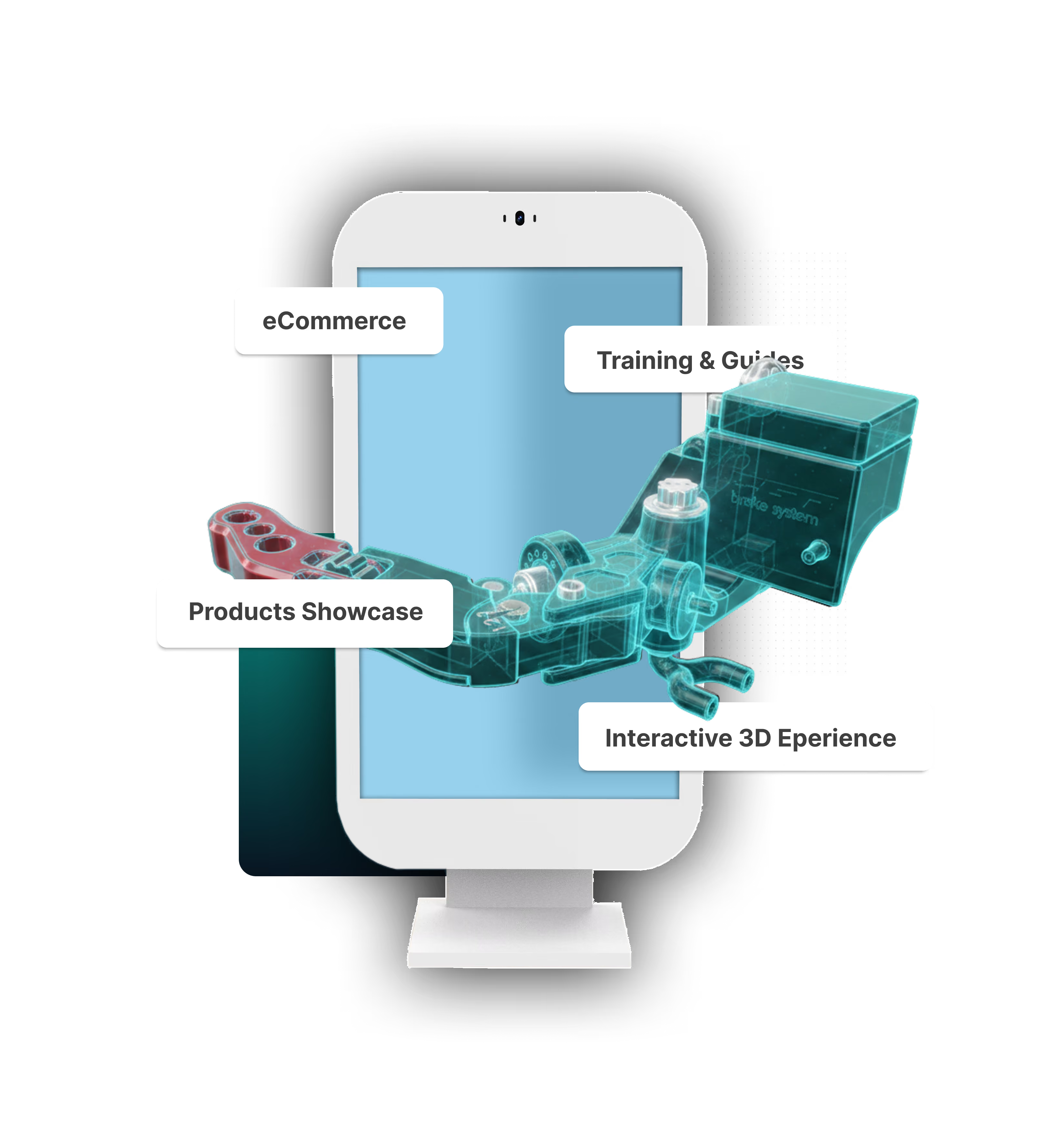
All from one 3D Web platform
Made for big and small brands around the world







Live Rendering. In-browser. No-code
Build once. Share everywhere.
Interactive guides instead of PDF manuals.
Step-by-step training for your team.
Product visualizations that sell.

All-in-one platform
See your product in a new light
Upload a CAD file and get an interactive 3D experience you can share in minutes
Loved by teams across different industries
"With the 3D Synode instructions, we are moving to another level at B.O.F.F"
David B.
General Manager
@ B.O.F.F
"Working with Synode for our interactive installation guides was great. The guides were easily shared and embedded into our website, plus we were able to make tweaks and adjustments down the line without the need to redo all of the work!"
Andy D.
Senior Visual Brand Designer
@ GALE Pacific Limited
"Synode was quick to pick up, fits smoothly into our workflows, and saves us time compared to traditional 3D tools"
Falmata O.
Architectural Technologist
@ Palliser
One 3D file.
Multiple Experiences.
Real time rendering. Live in Browser. No Code
Training & education
Turn product knowledge into step-by-step 3D experiences that improve understanding and retention.
Explore Builder AppComponents Location & Visualization
Showcase products in a way customers can explore, understand, and trust faster.
Explore Visualizer AppAssets in 3D / Augmented Reality
Upload, organize and share Assets in 3D and Augmented Reality

Training & support
Builder Studio
Replace old PDF manuals with Interactive 3D Guides.
Create 3D training sequences to upskill your team.
Share Interactive 3D Presentations with stakeholders.
Get startedUpload your 3D files
Upload your 3D file (GLB, GLTF, OBJ, FBX) into the Builder and see your model and its hierarchy in the scene tree. You’ll be able to make adjustments and organize your scene directly in the studio.
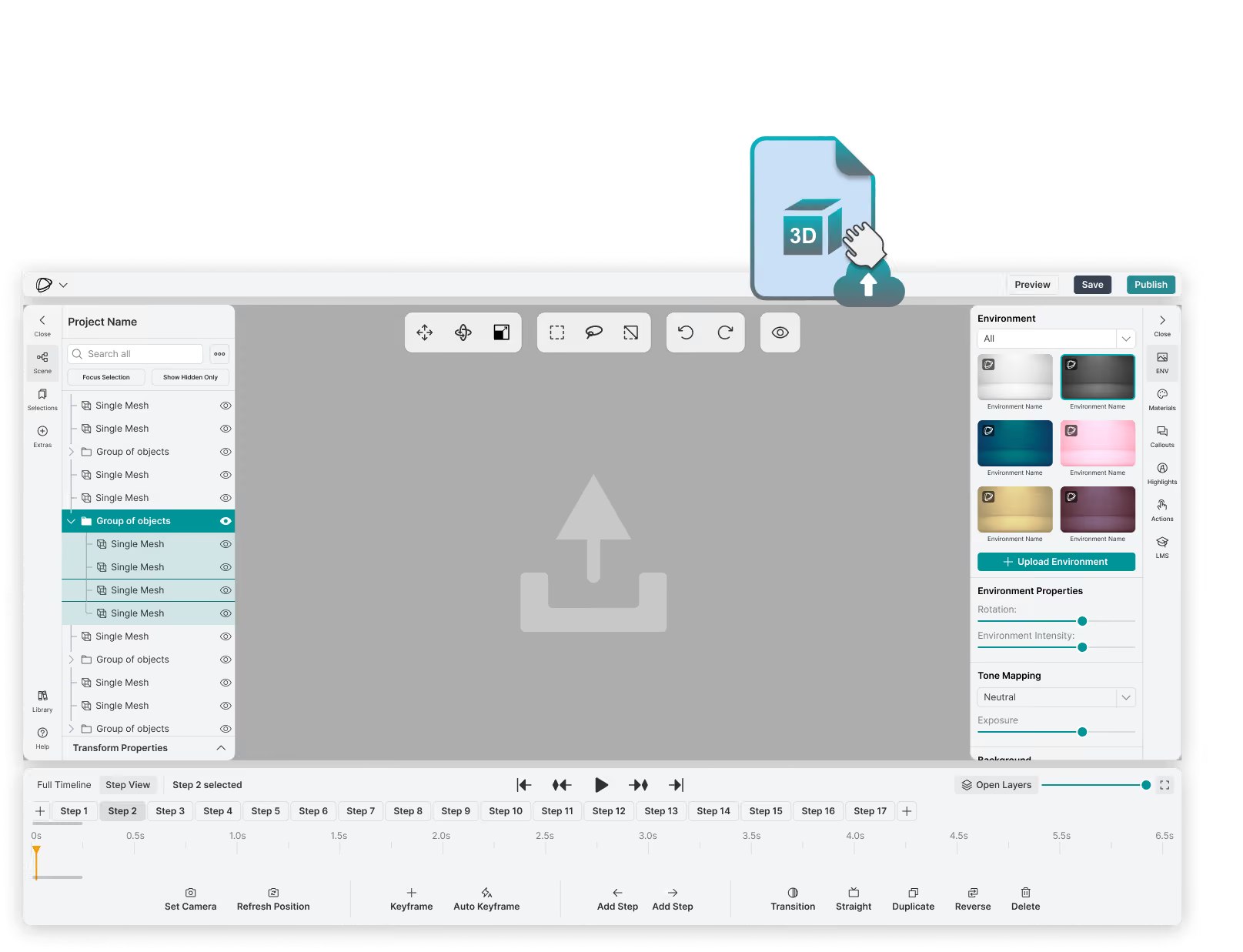
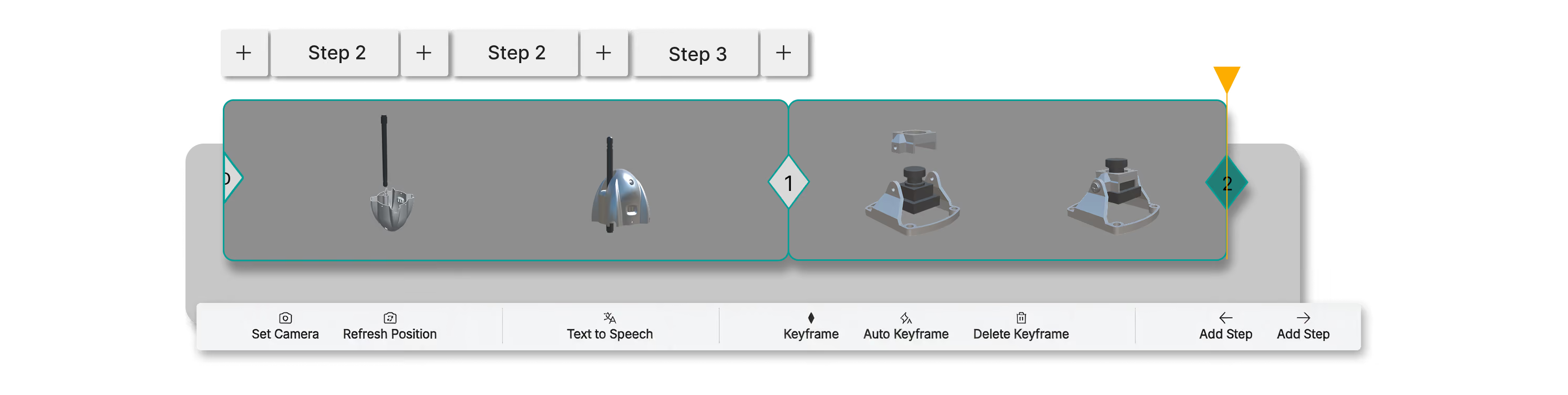
Simplified Timeline
A simplified / tile based keyframe design makes it easy for users of any level to start animating the steps in their 3D guide, while the step browser along the top allows you to organize your work.
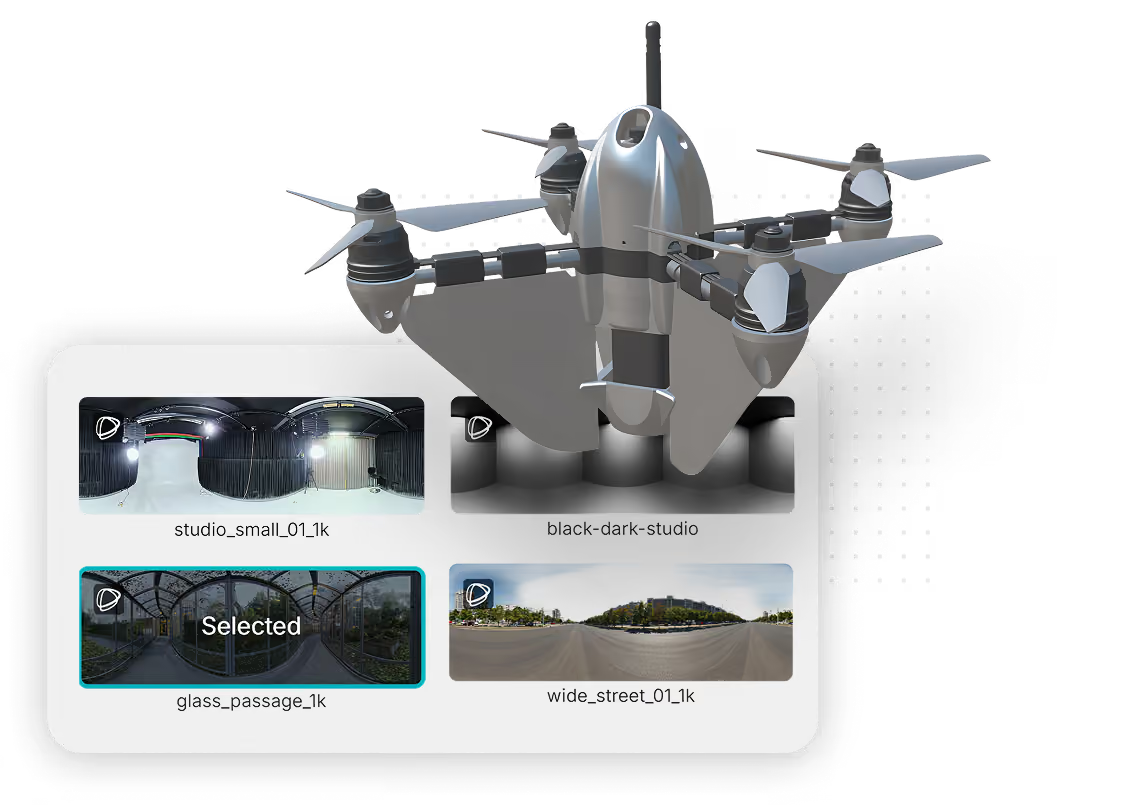
Environment Controls
Modify your HDR Environment with presets from our Synode Library, and adjust the properties to make your model stand out in the scene.
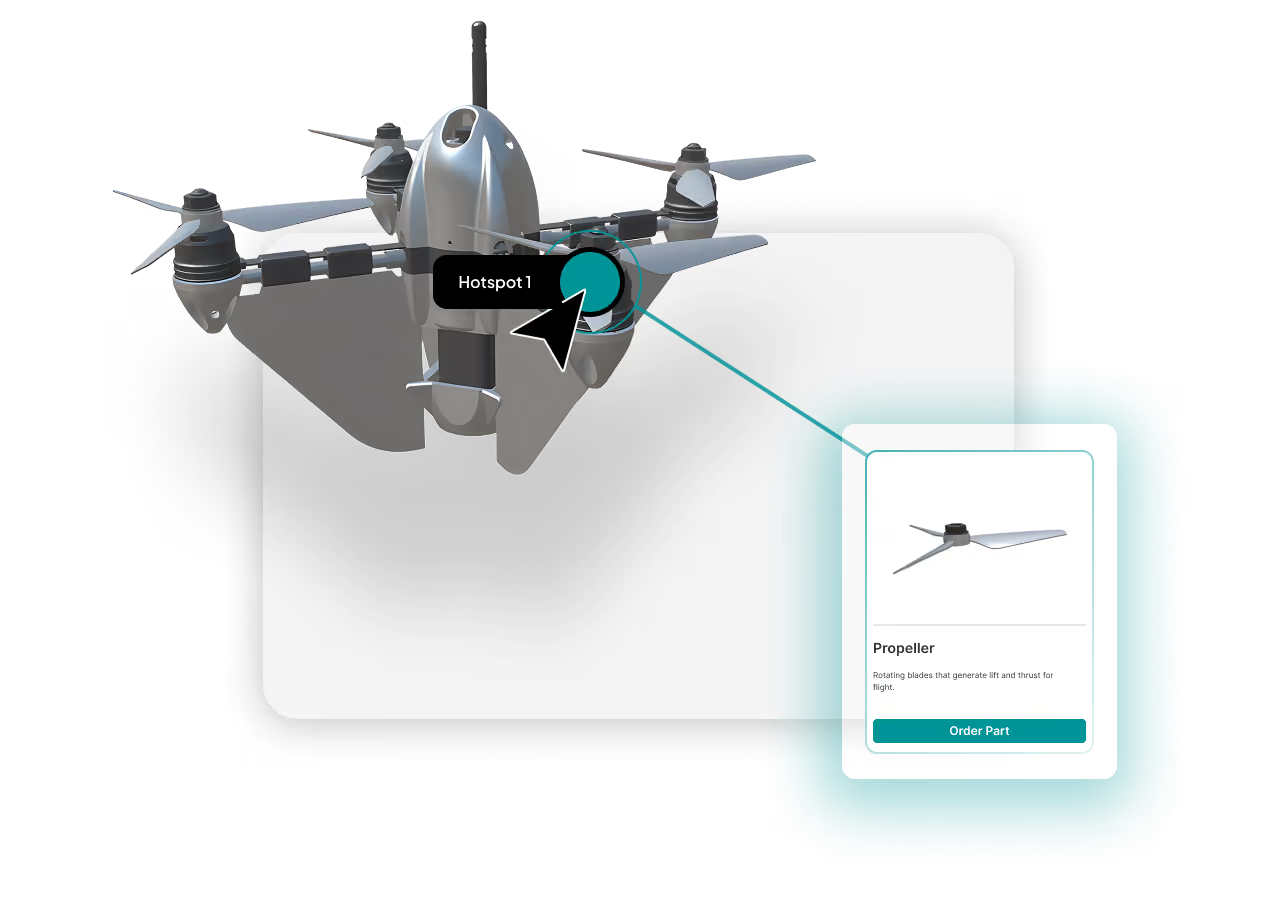
Hotspots / Callouts
Add interactive hotspots into your scene or tie them directly to a mesh to trigger custom UI elements you can create.
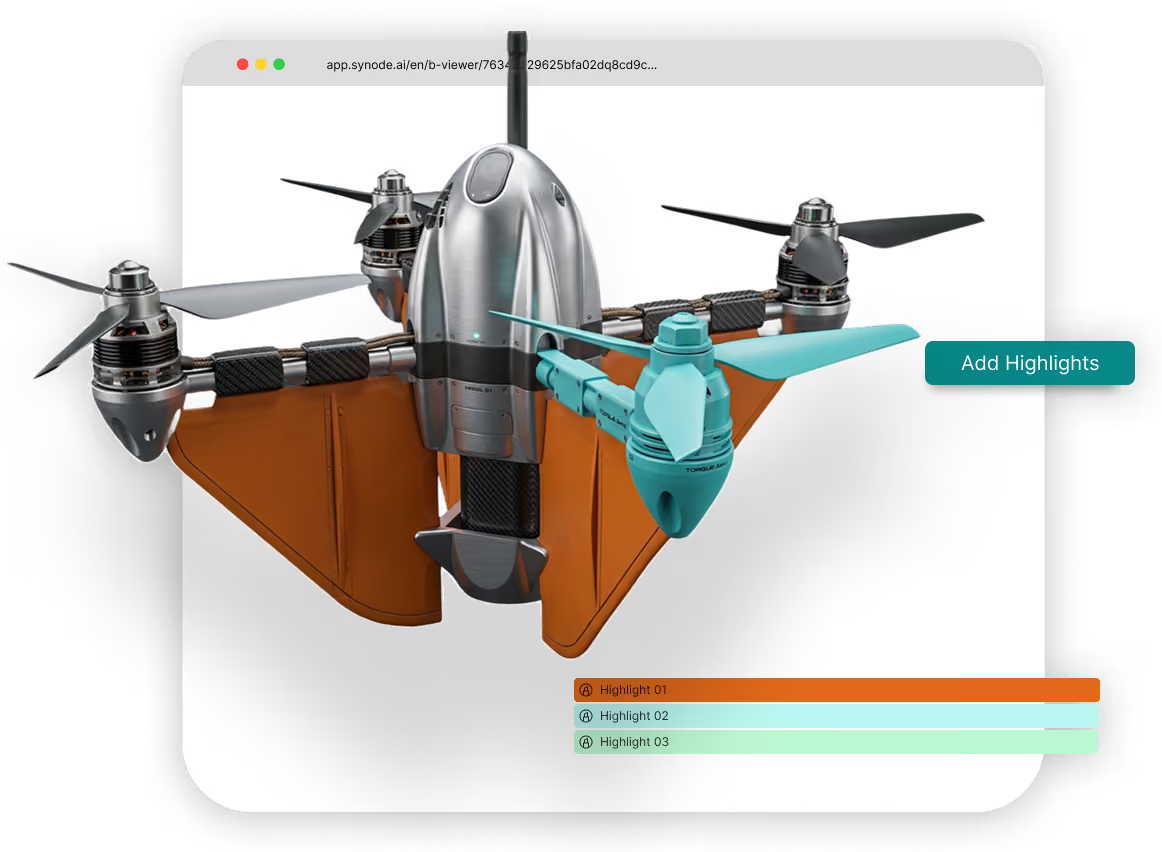
Highlights
Use the Highlights feature to draw attention to certain elements or parts in your animation. Make fasteners red for a specific step, or turn the opacity down to see the interior of complex components
Components Location & Visualization
Visualizer Studio
Create an interactive product viewer with hotspots and callouts to boost your product communication on your e-commerce site
Get startedUpload your 3D files
Upload your 3D file (GLB, GLTF, OBJ, FBX) into the Visualizer and see your model and its hierarchy in the scene tree. You’ll be able to make adjustments and organize your scene directly in the studio.

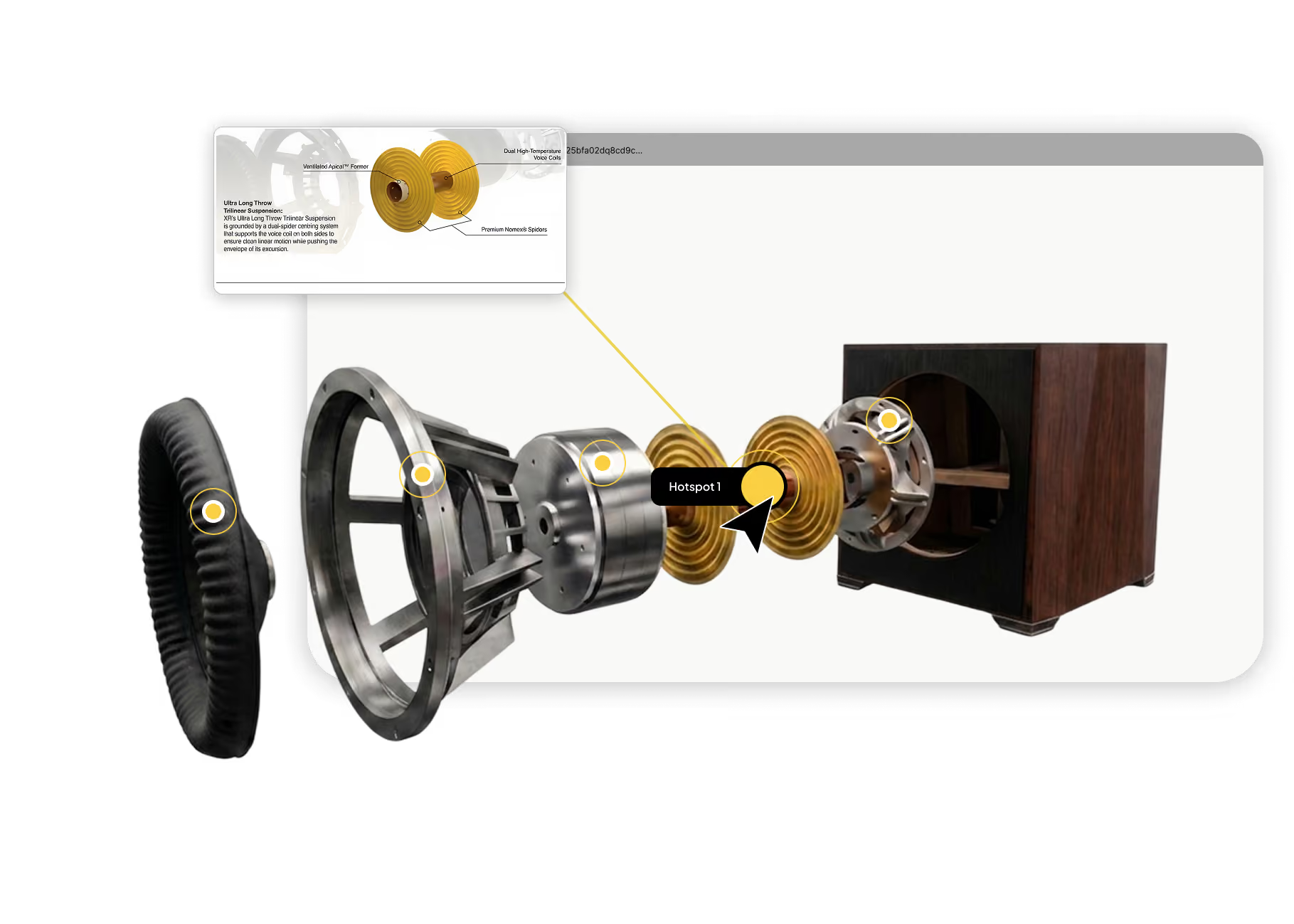
Hotspots / Callouts
Add interactive hotspots into your scene or tie them directly to a mesh to trigger custom UI elements you can create.
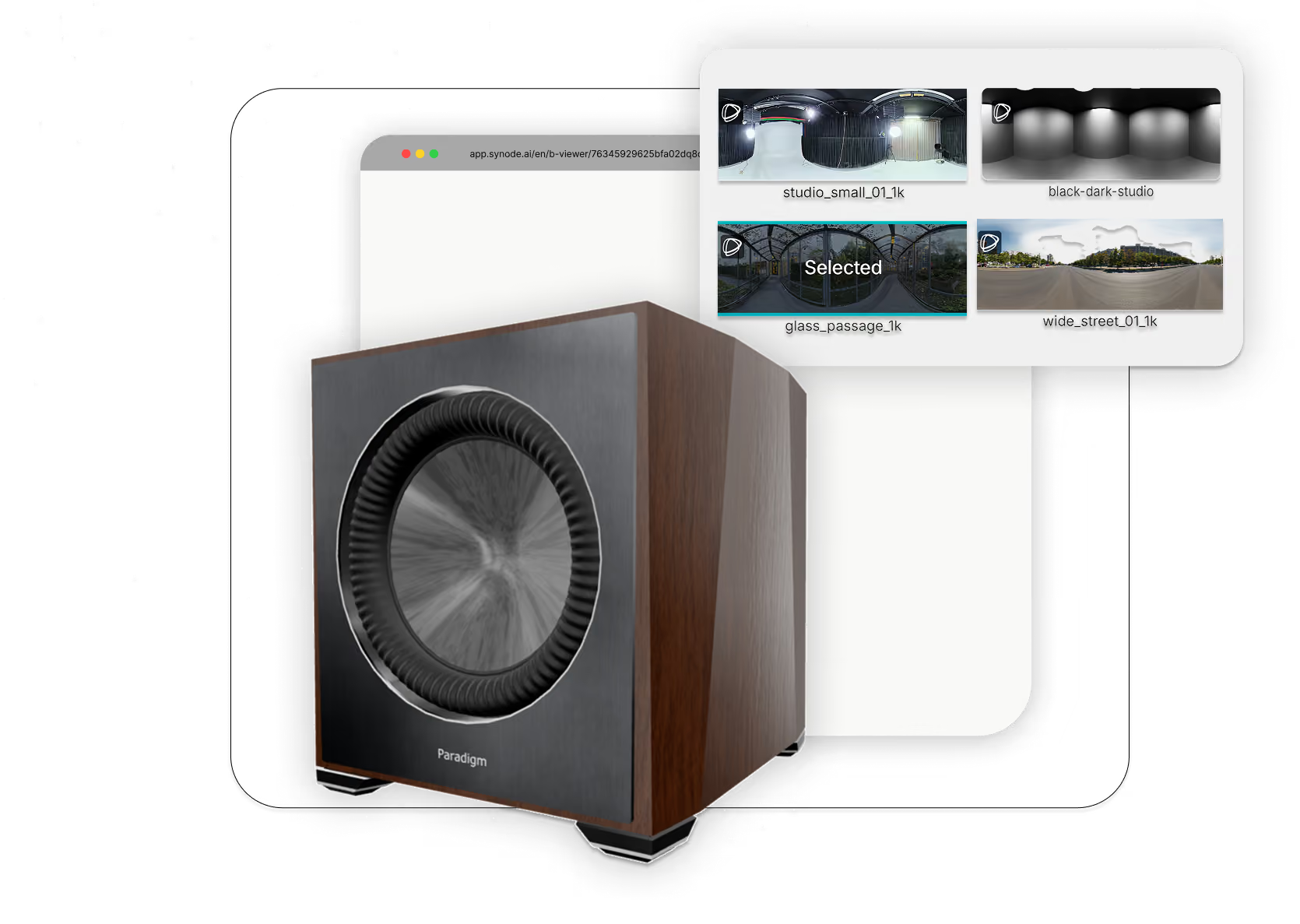
Environment Controls
Modify your HDR Environment with presets from our Synode Library, and adjust the properties to make your model stand out in the scene.
From CAD to Insights
Why Businesses use Synode?
Transform complex engineering data into interactive 3D experiences that simplify technical training, streamline product support, and make knowledge more accessible.
CAD File Compatibility
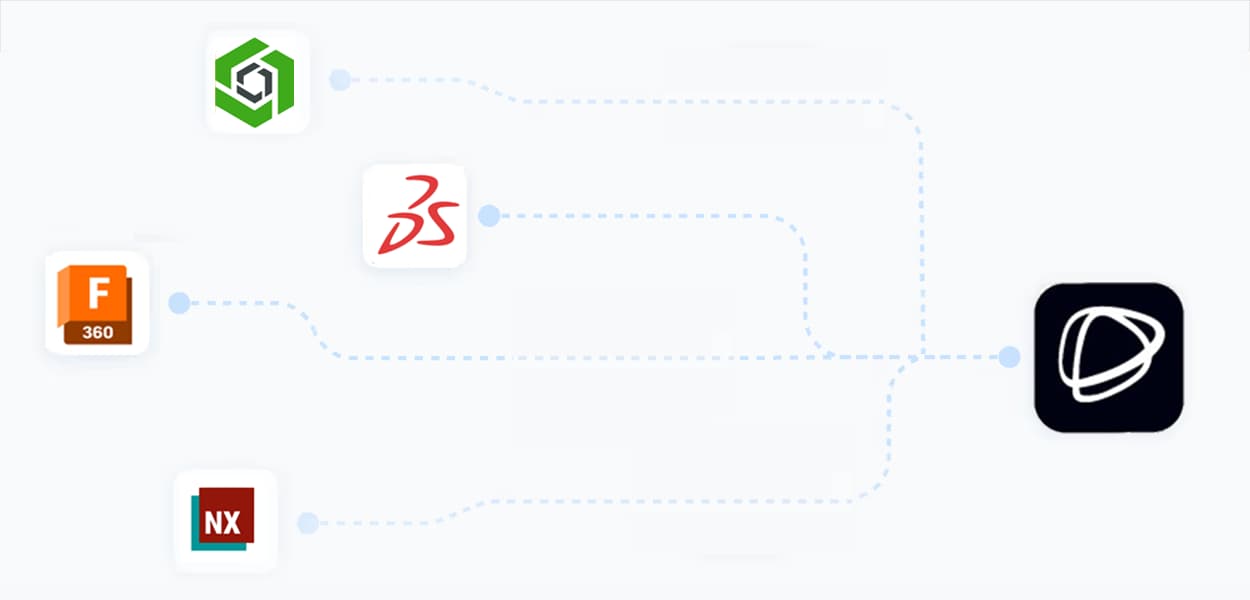
Import 3D CAD files from leading engineering software, including SOLIDWORKS, Fusion 360, Inventor, PTC Creo, and Siemens NX, to transform complex engineering data into interactive content.
No Coding Required
Turn complex 3D engineering data into interactive product experiences without writing a single line of code. Create engaging technical content with ease.
Scalable as You Grow
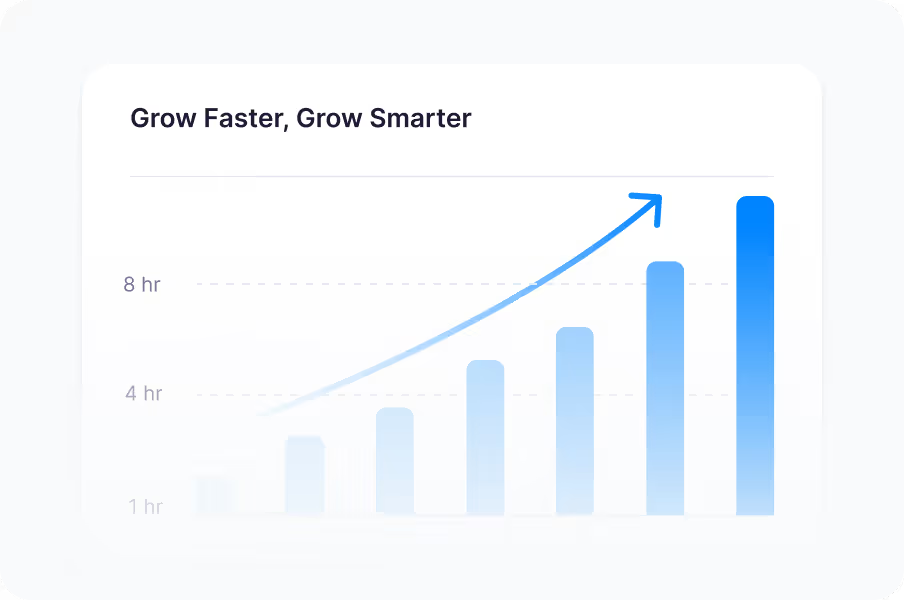
From individual projects to enterprise-wide deployments, Synode scales with your needs. Manage growing volumes of technical content, products, and users efficiently.
Powerful Analytics and Insights
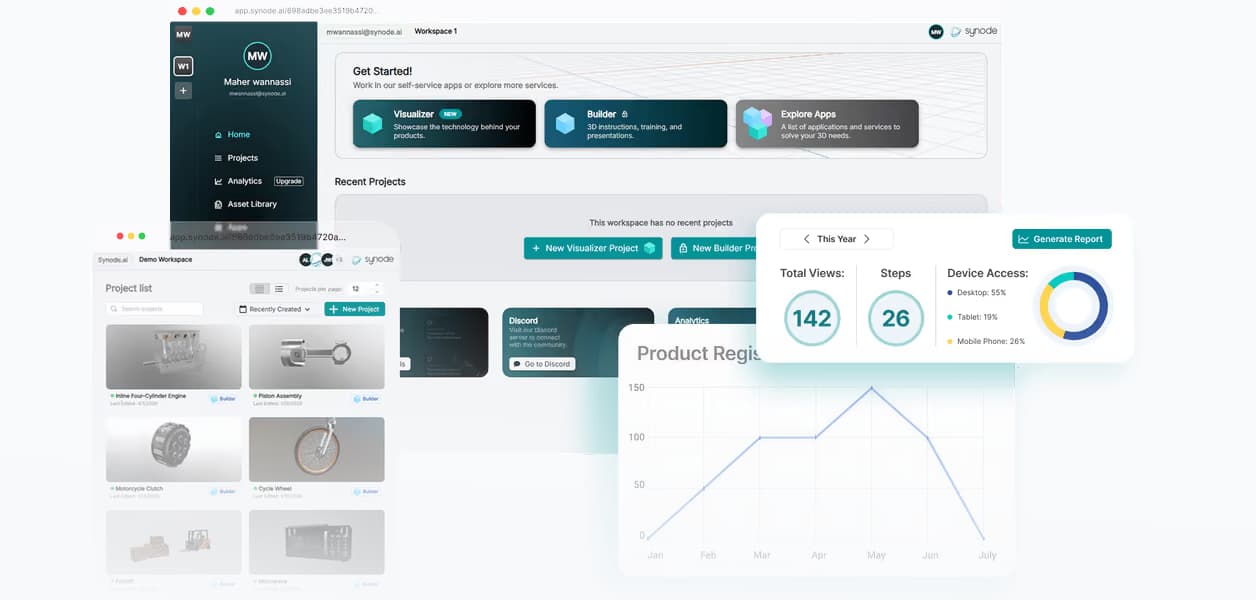
Understand how users engage with your technical content. Track interactions, monitor performance, and gain actionable insights to continuously improve training and product support.
Augmented reality
Easily share your product in Augmented reality
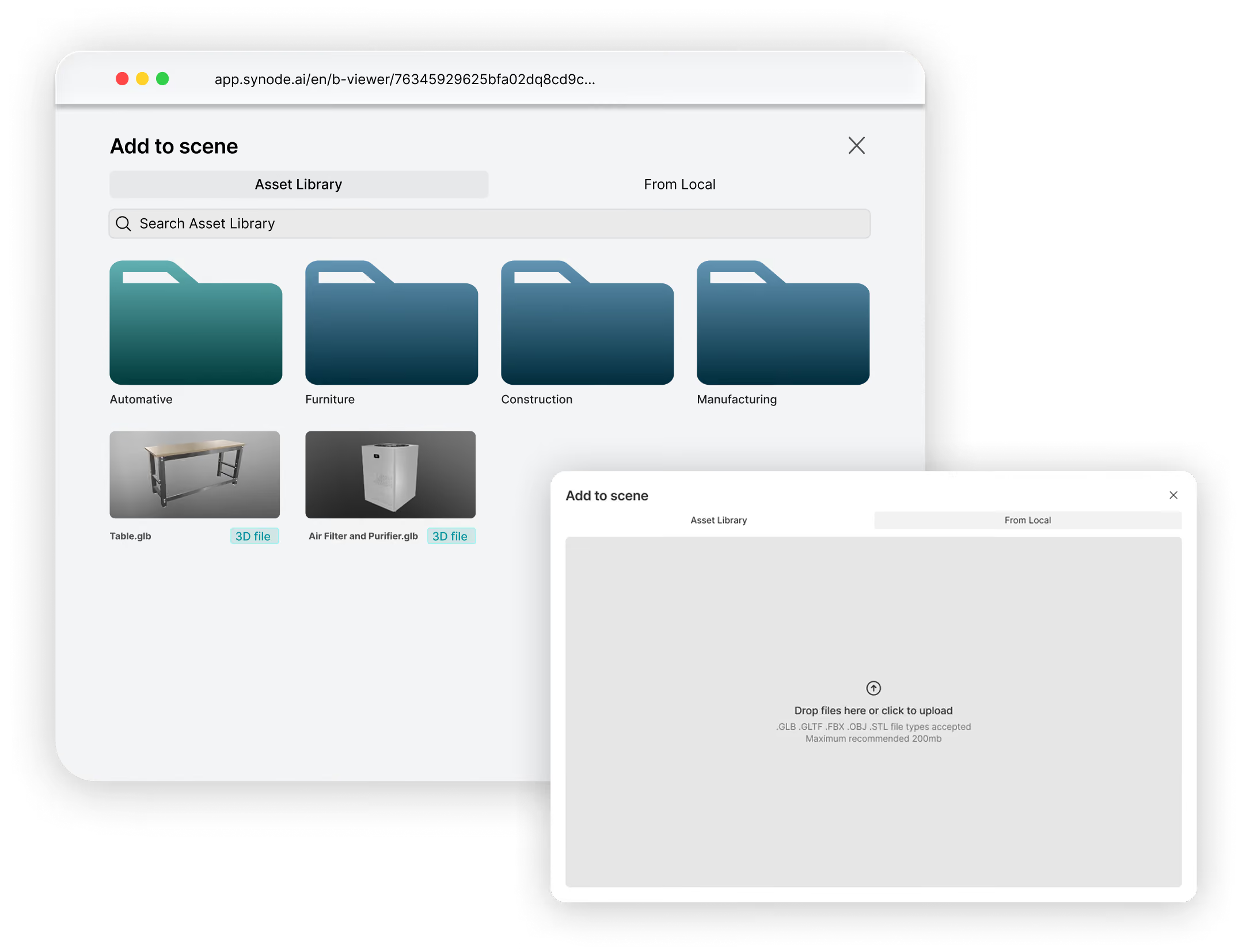
Upload, organize and share your 3D Assets through our Asset Library. Access all of your uploaded assets in one of our 3D studios, or easily share a link to a 3D / AR viewer of your asset.
Get Started.svg)
Upload, organize and create
Upload your 3D file (GLB, GLTF, OBJ, FBX) as an asset and use it to create 3D experiences in the Builder or the Visualizer
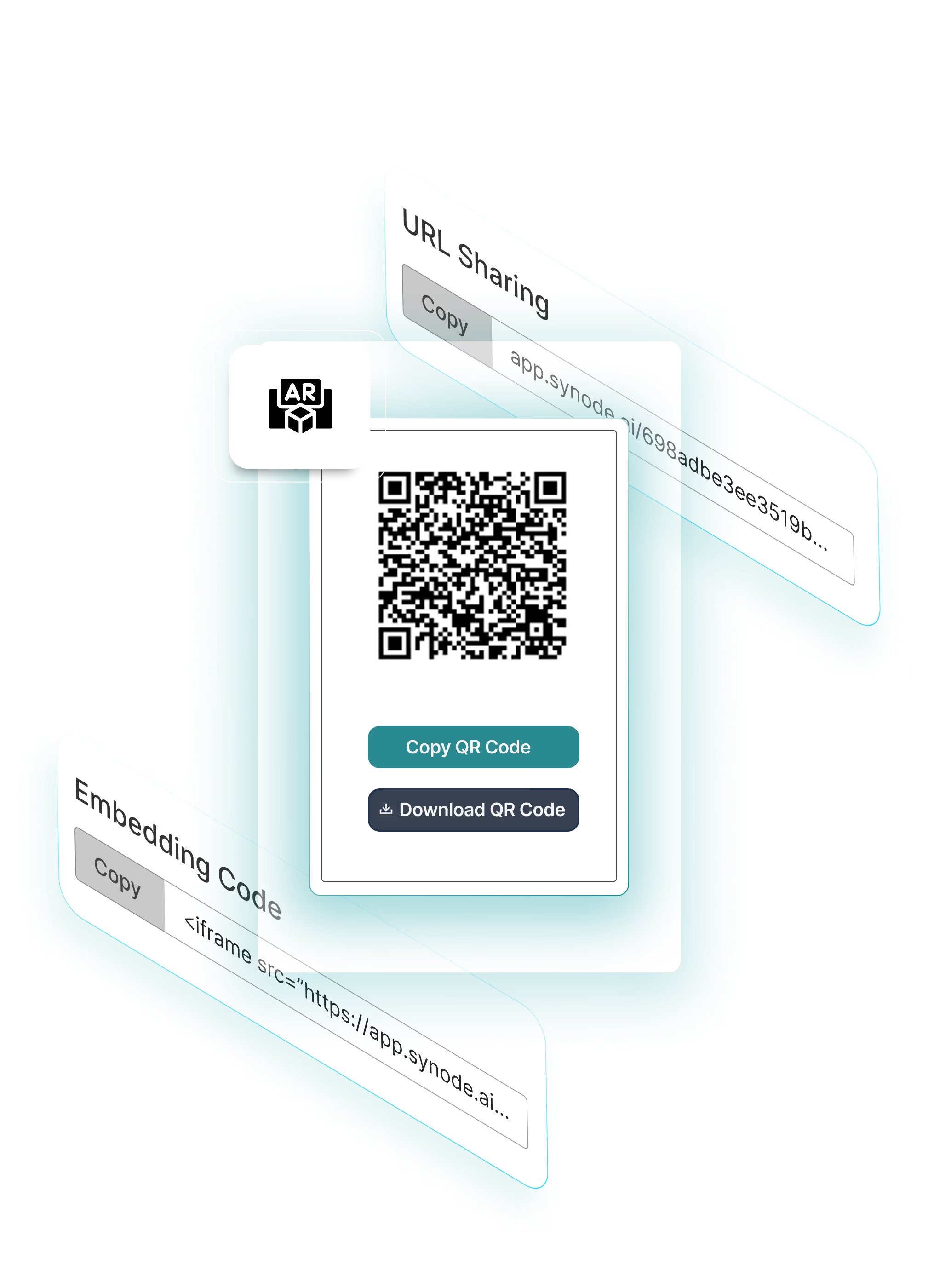
Share and Embed 3D / AR Viewers
By uploading your 3D files into Synodes Asset Library, you will be able to share your asset through a link or embed it straight into your website. Your users will now have a 3D viewer of your product and the option to view in Augmented Reality.
Complex products should explain themselves.
Synode, an online platform to Create powerful 3D experiences without learning complex animation tools.
Live-rendered, easy-to-use studios with built-in marketing and analytics tools that transforms your 3D CAD into powerful experiences across the entire product lifecycle.r creating interactive 3D and AR experiences to easily share and improve your product communication.
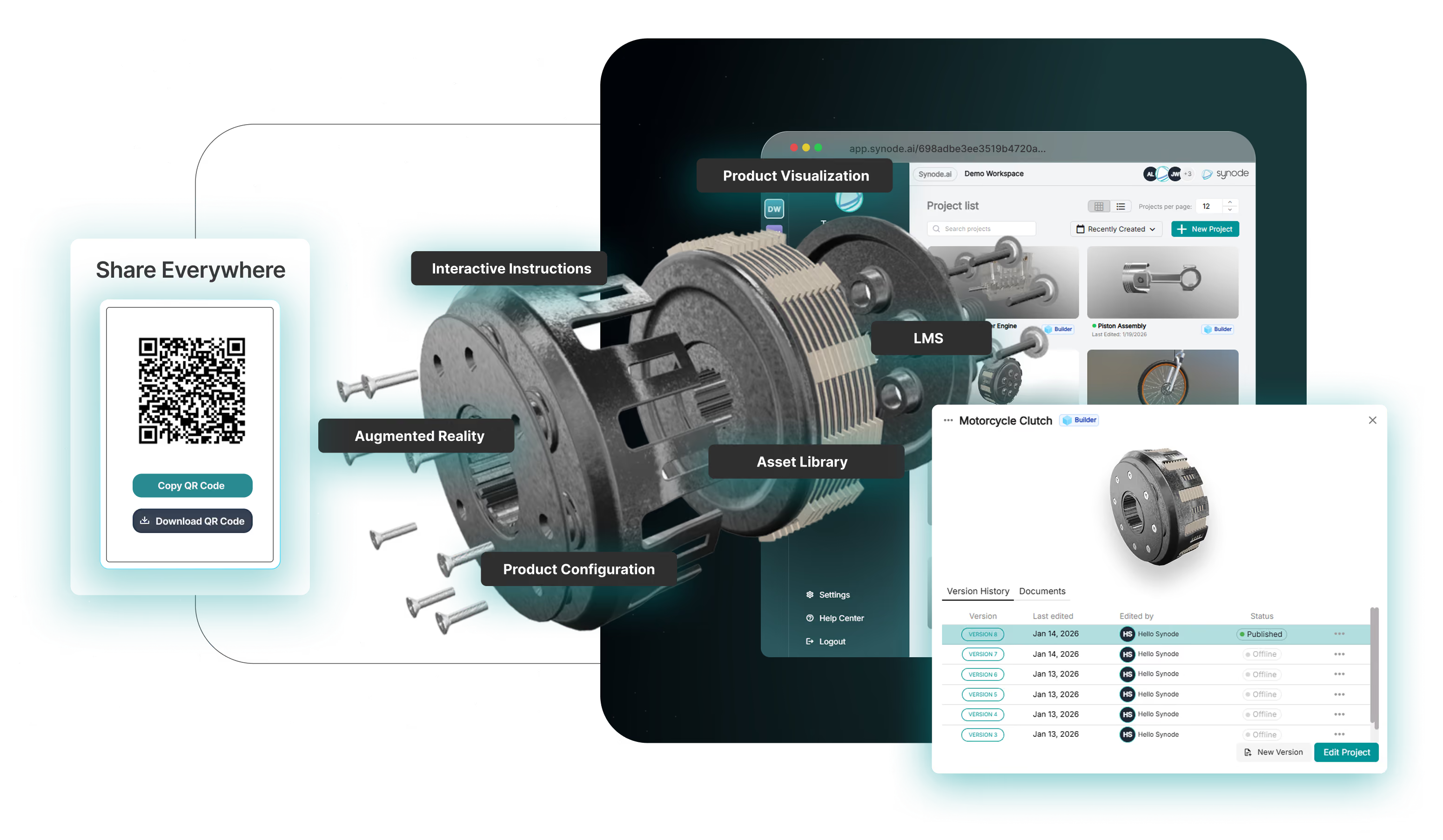
Never leave your browser.
Share a 3D Viewer anywhere, anytime
No file transfers, email attachments, ZIP folders. Just share your projects link to anybody on your team for them to view on desktop, tablet or mobile phone.
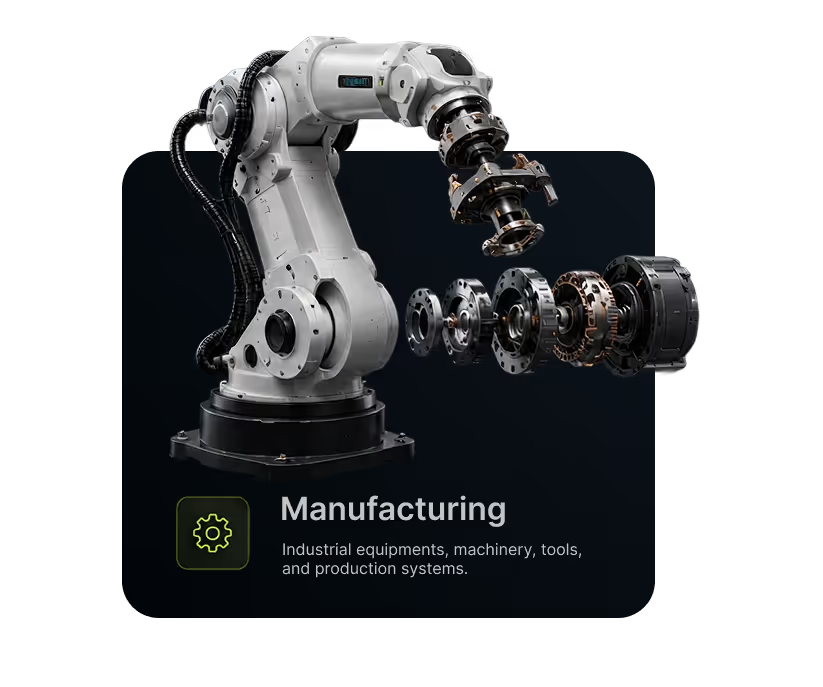
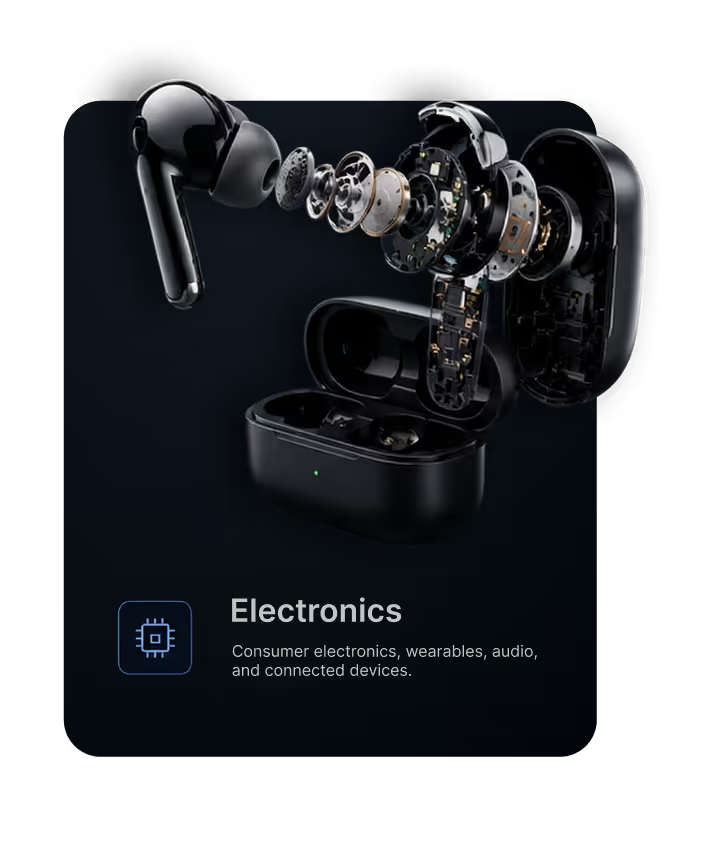
Built for the industries shaping the physical world
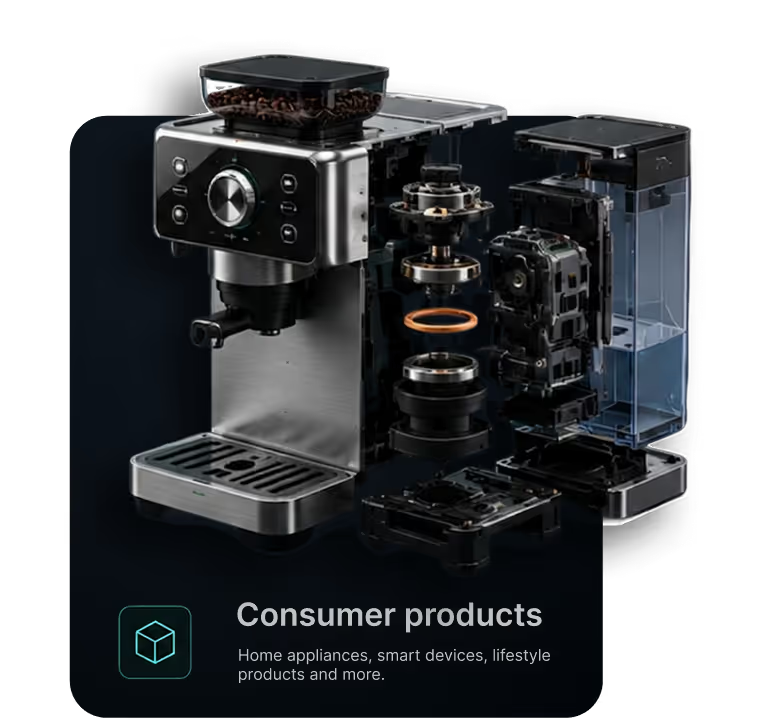
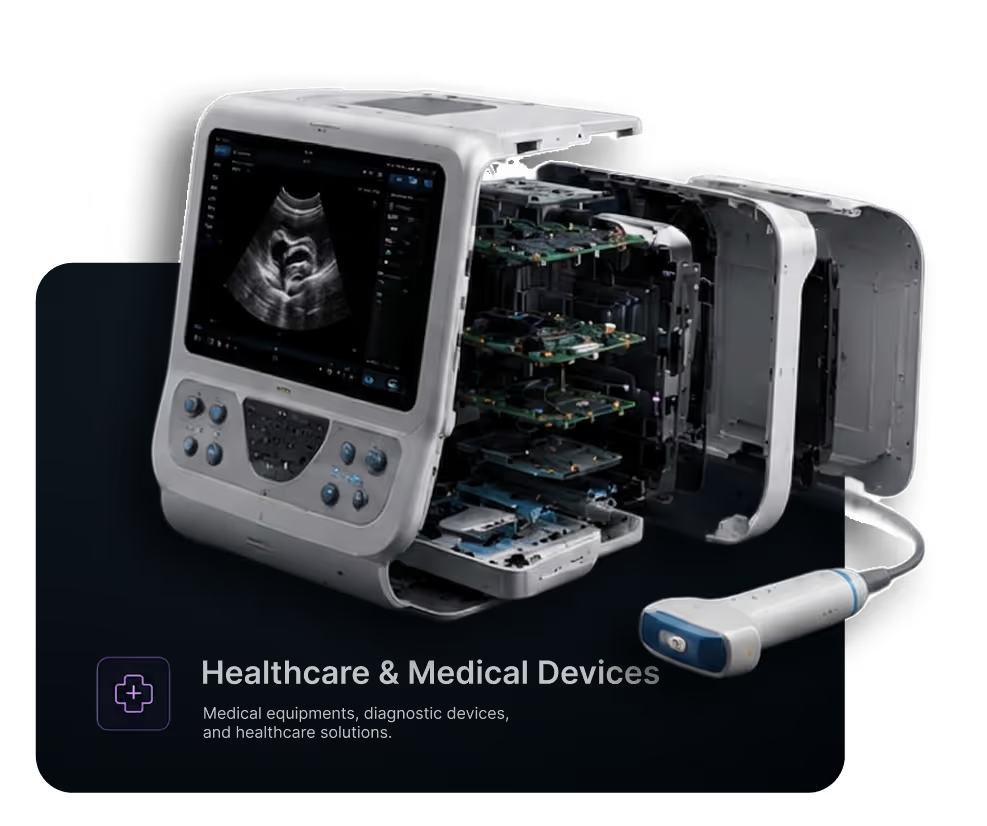
From manufacturing and retail to healthcare, tech, and field service, Synode’s 3D & AR platform brings your products to life.
SIGN UP
Ready to bring your ideas to life in 3D?
Create 3D Instructions faster
Create Product Communications better
FAQ
Browse our FAQ section to find answers to topics
What can I create with Synode?

Who is Synode designed for?
Can Synode work with our existing product assets?
How is Synode different from traditional documentation and product content?