

STEP
3D File Conversion
Convert STEP to GLB
Software & Solutions
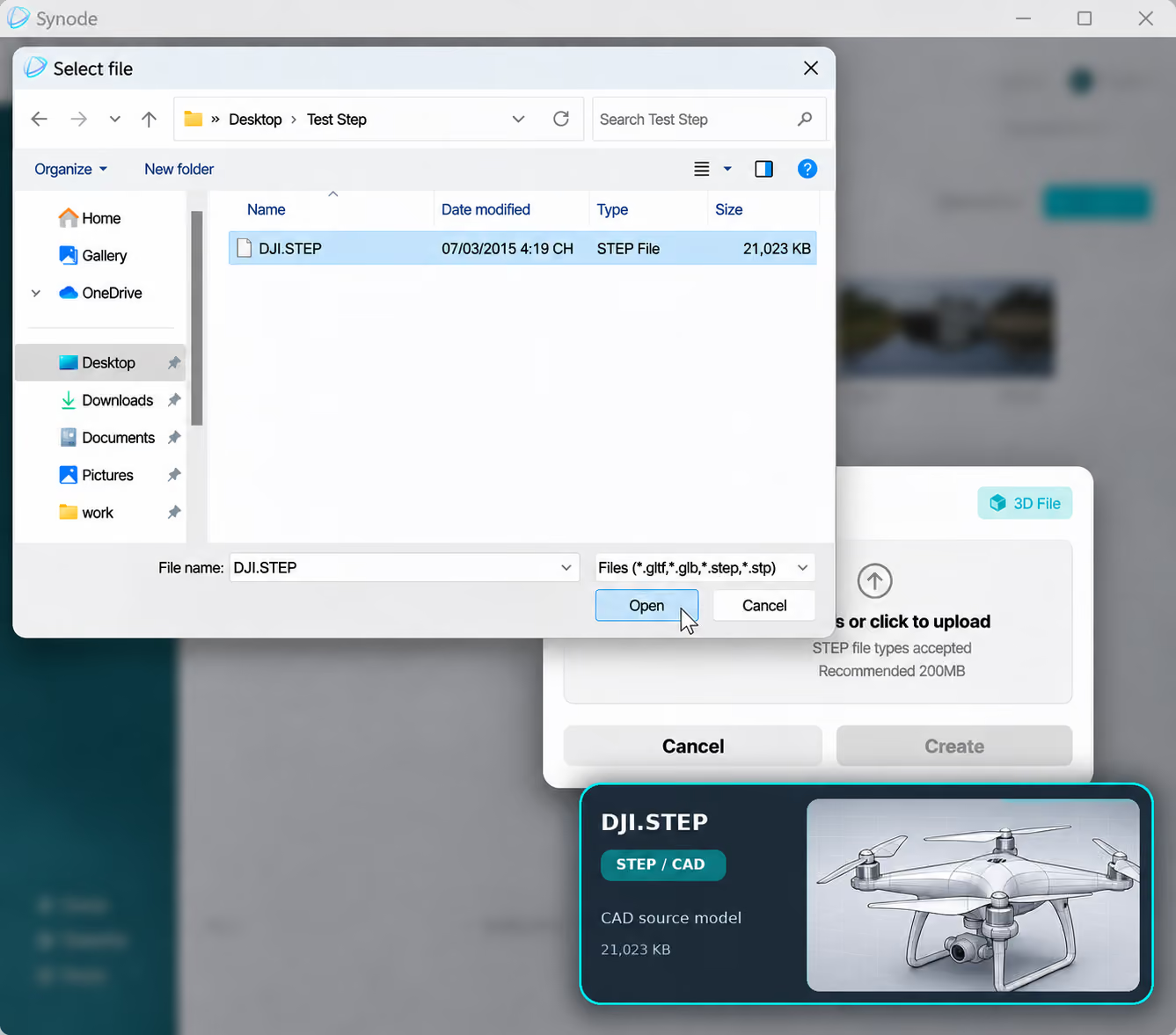
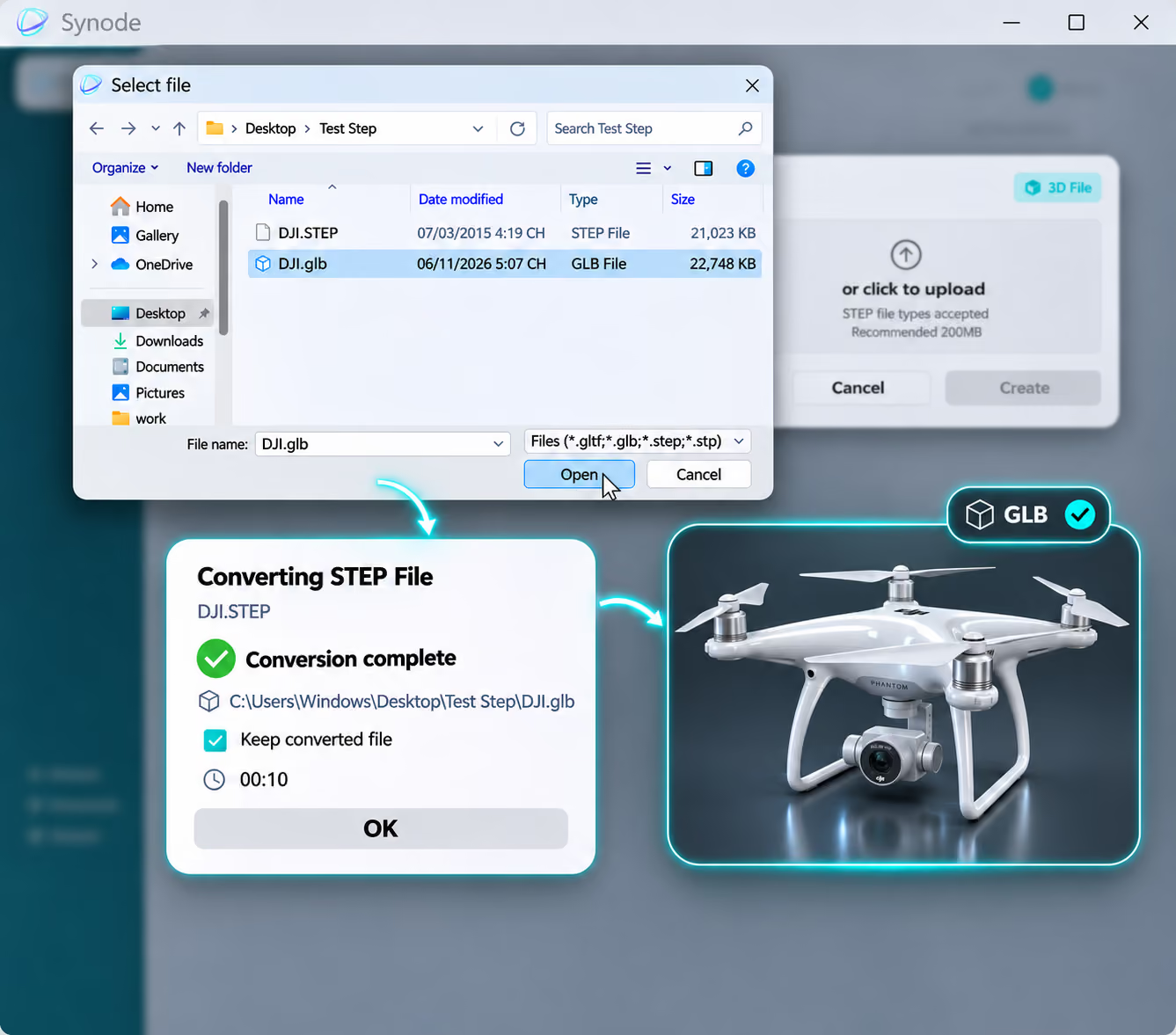
Turn your STEP CAD models into GLB files with the Synode Desktop App. Prepare your 3D models for interactive visualization and web-based 3D experiences.
Trusted by 500+ companies worldwide






Purpose
Why Convert STEP to GLB?
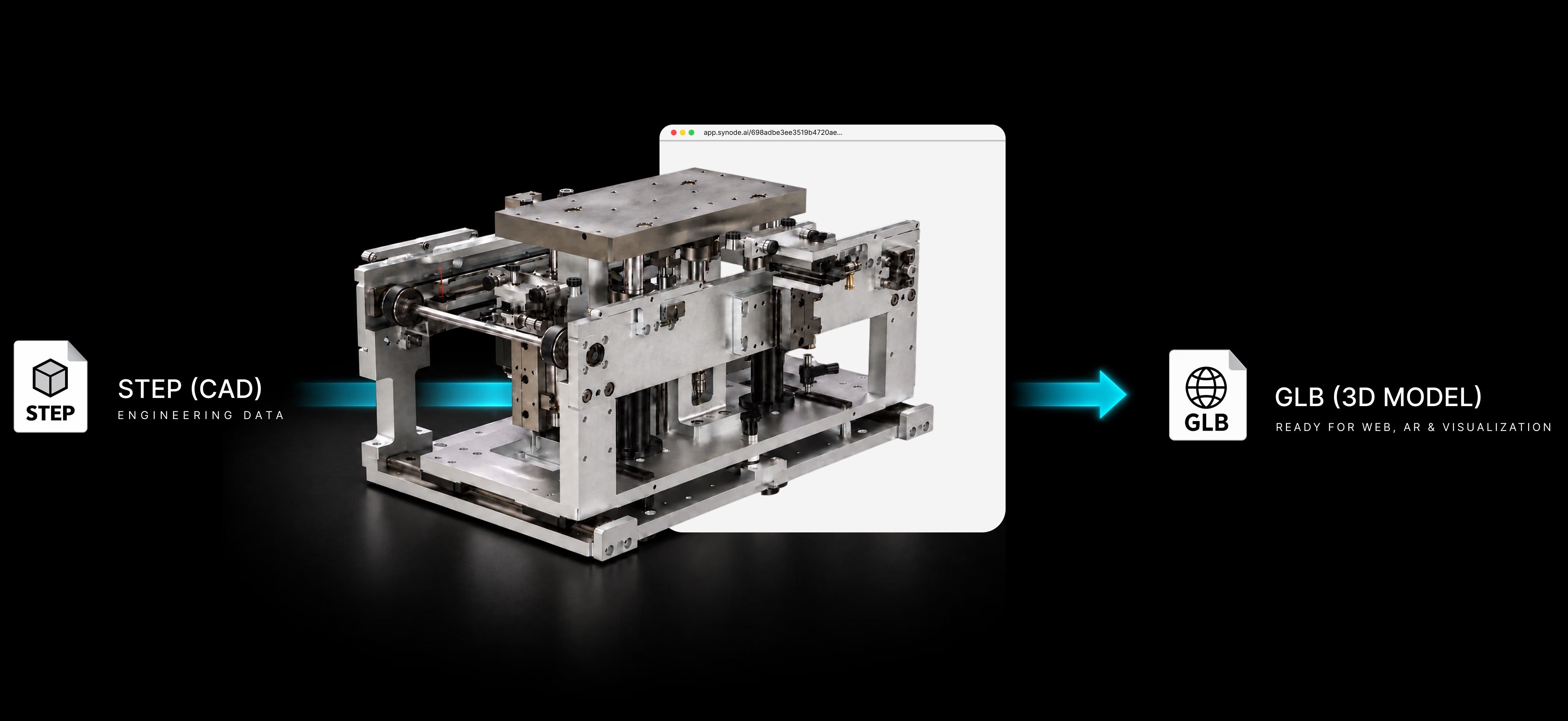
From CAD data to interactive 3D Experience with Synode
STEP is a widely used CAD format for engineering and product design. GLB is a compact 3D format designed for interactive experiences across web-based applications.
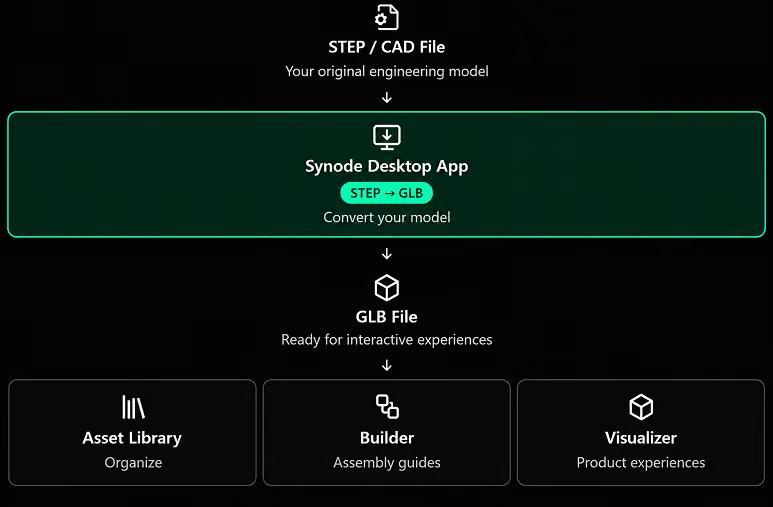
Converting STEP to GLB makes your product models ready to use in Synode's interactive 3D ecosystem, including Builder and Visualizer.
Converting STEP to GLB makes your product models ready to use in Synode's interactive 3D ecosystem, including Builder and Visualizer.



One GLB
From Conversion to Creation
One Model. Multiple Experiences.
Your converted GLB file is more than just a different file format. It's the starting point for creating interactive product experiences with Synode.
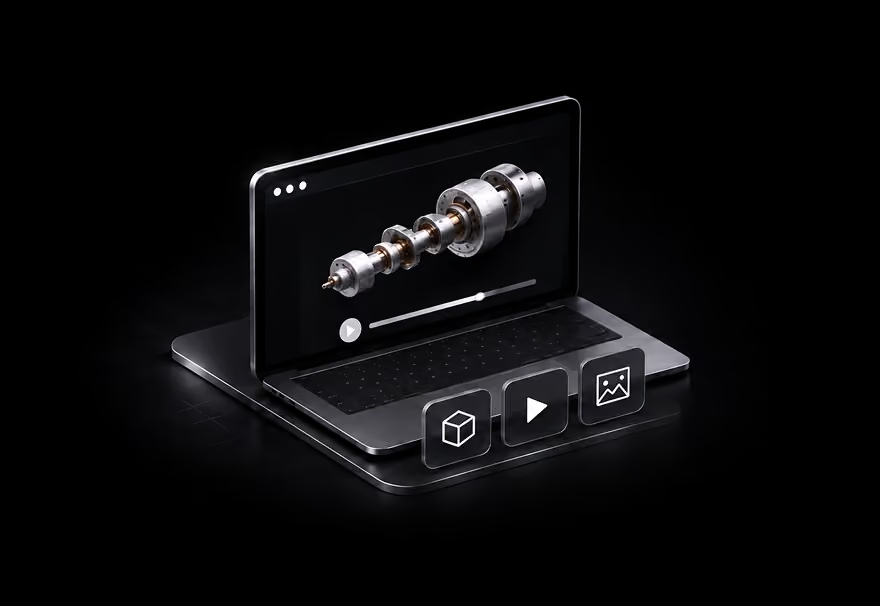
Synode Asset Library
Upload and organize your GLB files in one place. Keep your product assets accessible and ready to use across your projects.
Synode Builder
Turn your GLB models into interactive, step-by-step assembly instructions. Animate product components, create sequences, and add hotspots and callouts to guide users through each step.

Synode Visualizer
Transform your GLB models into interactive product experiences. Add hotspots, callouts, focused camera views, and supporting product information to showcase your products.
FAQs
Questions & Answers
Frequently Asked Questions
Find clear, straightforward answers to the most common questions about our platform. From features and pricing to security and support.
What types of products can be showcased with
Synode?

Can prospects access experiences without
installing software?
How long does it take to create an
interactive product experience?
Can we showcase different product
configurations?
Is Synode suitable for remote sales
presentations?
How does Synode help technical sales
teams?